Details Page
Record Detail Page
Overview
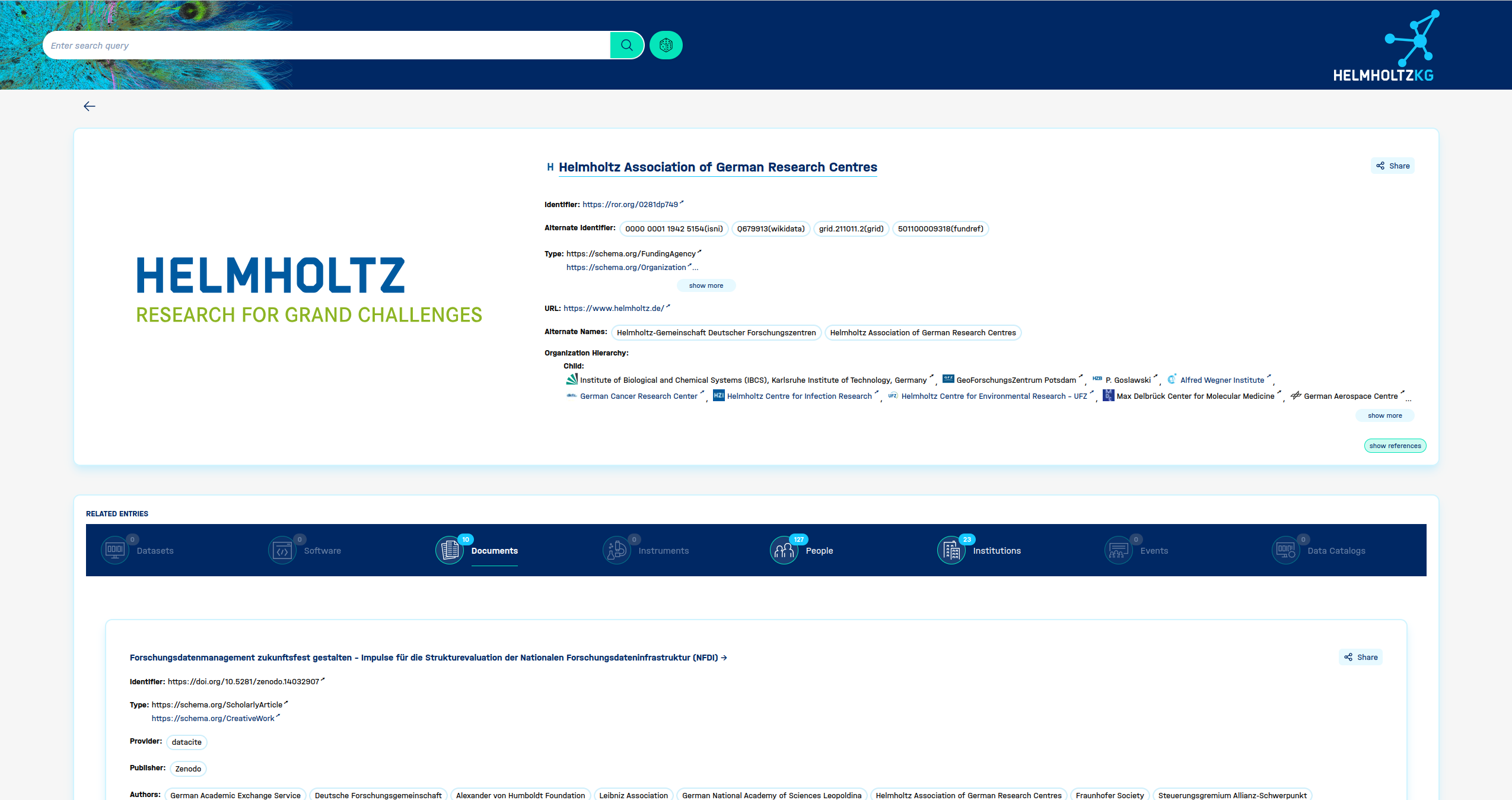
Clicking on any record title from the Search Results page takes you to that record's Detail page. This page presents the complete metadata for a single record and shows how it connects to other entries in the Knowledge Graph.
Getting Around
- The ← back arrow in the top-left returns you to the Search Results page.
- The search bar at the top is always available so you can start a new search at any time.
Record Header
Each detail page opens with the record's title displayed as the main heading, along with a small icon indicating its type. A Share button in the top-right corner lets you copy or share a direct link to this page.

Metadata Fields
The main section of the page displays the full metadata for the record. The fields shown will vary depending on the type of record you are viewing, but may include things such as identifiers, the resource type, its URL, associated names, creators, dates, licenses, keywords, and a description.
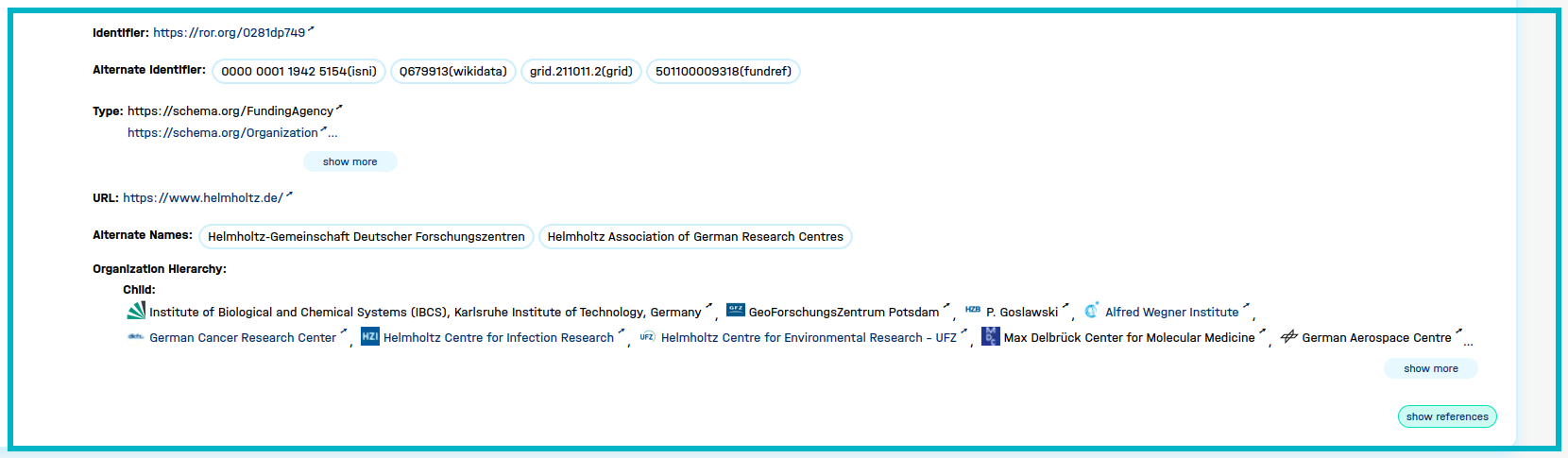
Where content is long — such as a description or a list of related organisations — a show more link lets you expand it, and show less collapses it again.
References
At the bottom of the record card, a show references button reveals the sources that the record's data is drawn from. Click hide references to collapse the panel. If there are many sources, a for more references option may also appear.
💡 Use references to verify the accuracy of a record and trace its data back to the original source.
Related Entries
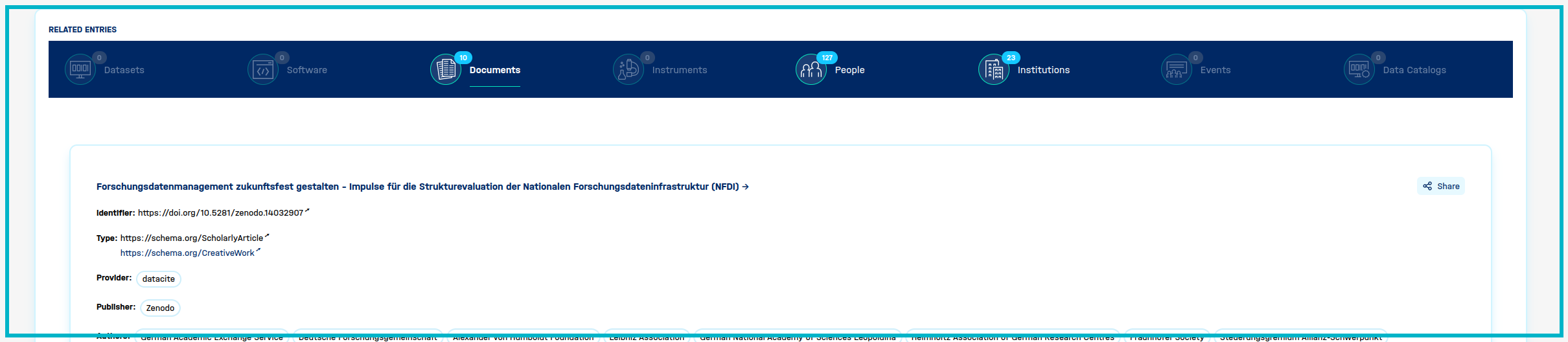
Below the main record card, a Related Entries section shows other records in the Knowledge Graph that are connected to the one you are viewing. This is a useful way to explore the broader context of a record — for example, finding the people, documents, or datasets associated with a particular institution.
Switching Between Related Entry Types
A category bar within the Related Entries section lets you browse connections by type — such as Datasets, Documents, People, or Institutions. Each category shows a count of how many related records exist. Click a category to view those records below.
Exploring Related Records
Each related entry is shown as a card with a summary of its metadata. Clicking the title of any related entry takes you to its detail page, allowing you to follow connections through the Knowledge Graph from record to record.
Tips
- Use Alternate Identifiers to cross-reference a record in external systems such as DOI registries, Wikidata, or ORCID.
- Use show references to check data quality and understand where information comes from.
- Use Related Entries to discover connected resources you may not have found through search alone.
- Use the Share button to bookmark or send a link to any specific record.
